Troubleshooting: Azure App Service Advanced App Restart Failure
Symptom
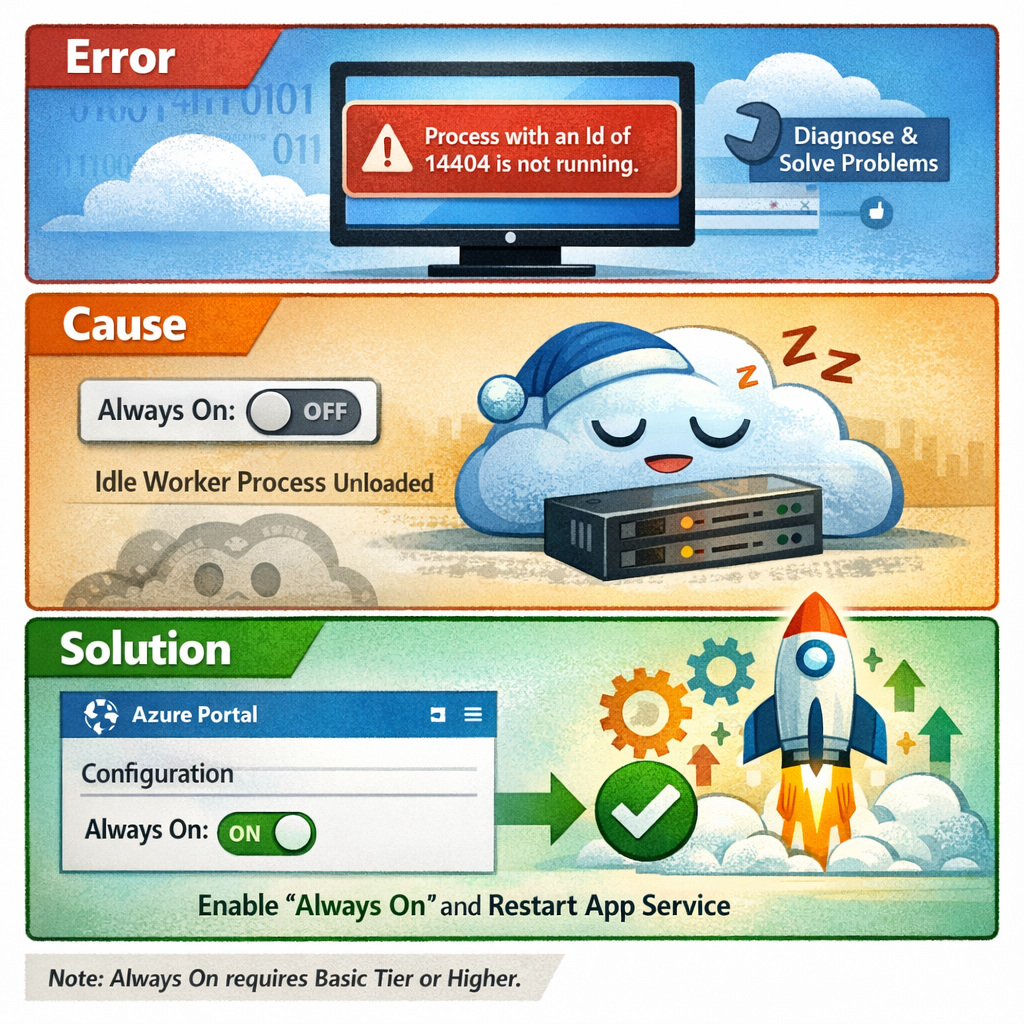
When attempting to use the Advanced App Restart feature under Diagnose and Solve Problems in the Azure App Service portal, the operation fails with the following error:
Process with an Id of 14404 is not running.
The specific process ID in the error message may vary, but the underlying issue is the same.
Cause
This error occurs when the Always On setting is disabled for the App Service. When Always On is turned off, Azure does not send periodic keep-alive HTTP requests to the application worker. As a result, the worker processes are unloaded after a period of inactivity.
When the Advanced App Restart feature then attempts to send a restart command to a specific process ID, that process no longer exists on the idle instance, resulting in the error.
Resolution
To resolve this issue, enable the Always On setting:
- Navigate to your App Service in the Azure portal.
- Go to Configuration in the left-hand menu.
- Under the General settings tab, locate the Always On toggle and set it to On.
- Click Save to apply the change.
- Return to Diagnose and Solve Problems and retry the Advanced App Restart. The worker processes should now be active and the restart should succeed.
Additional Notes
Note: The Always On feature requires a Basic (B1) tier or higher App Service Plan. It is not available on the Free or Shared tiers.
About Author